


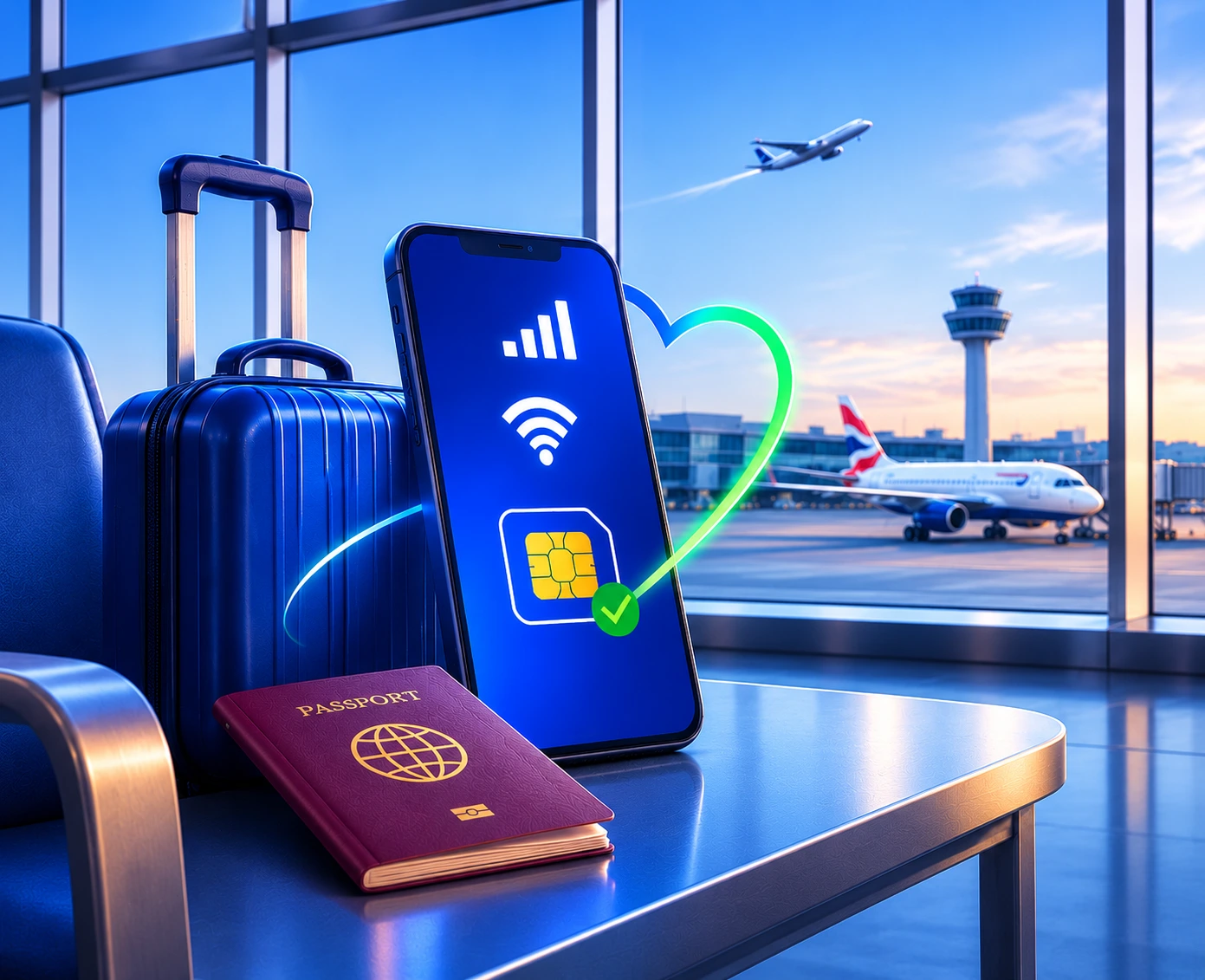
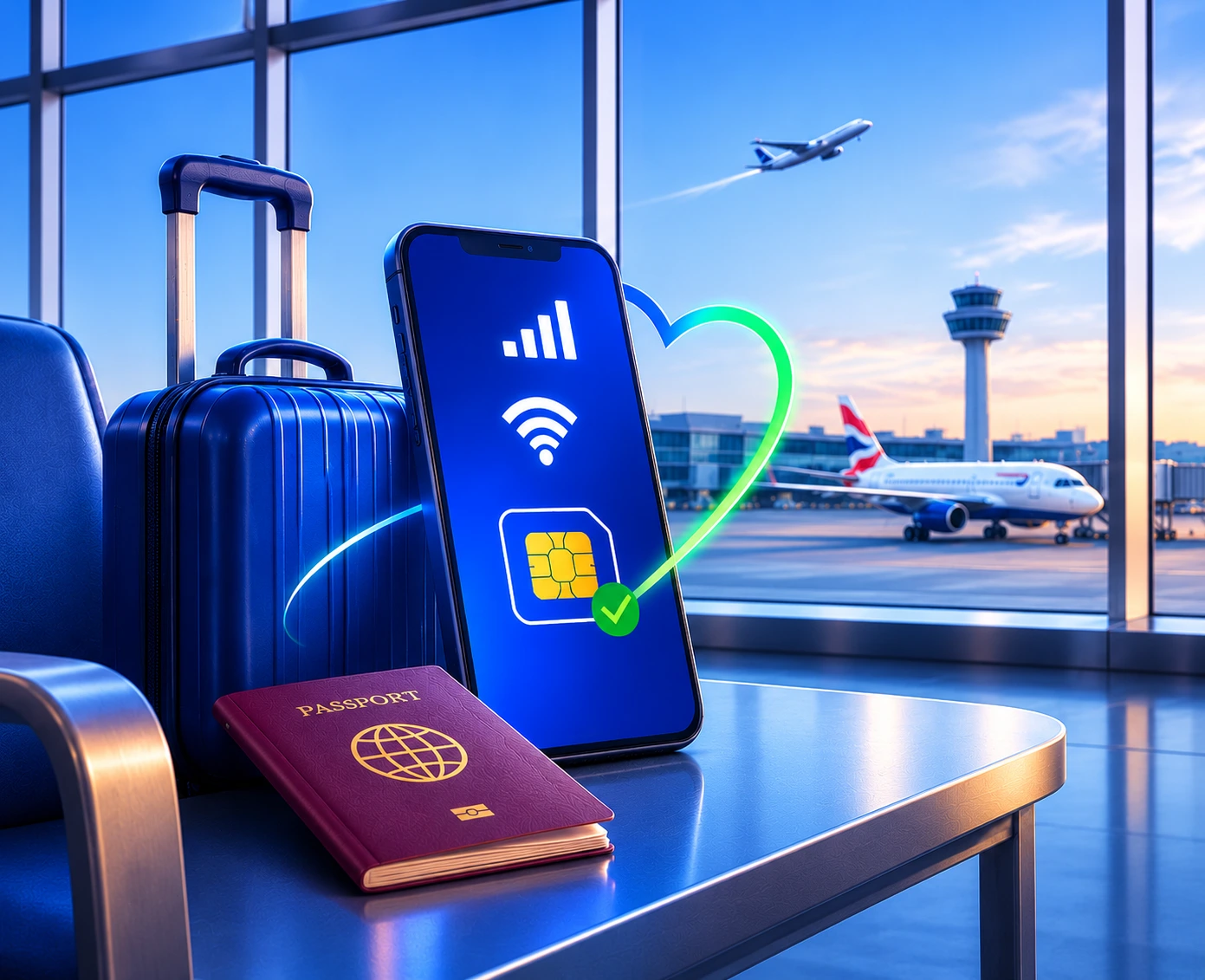
Landing in the UK, especially for the first time, is an exhilarating experience.
More so if the visit is for a vacation.
There might be a lot of things running through your mind.
Once you’ve cleared immigration and customs and collected your luggage, the only thing left is to explore all the awesome things the UK has to offer.
But there is one thing you’re going to need: a mobile connection.
A valid mobile connection will come in handy, not just at the airport, but outside it as well.
This article explores this topic. It covers everything there is to know about airport connectivity so that your stay in the UK is a pleasant one. Head right in!
Why Does Staying Connected at the Airport Matter?
We are all more connected than ever. A reliable internet connection at the airport is going to help you let your loved ones know that you’ve arrived safe and sound.
The ability to check work emails is another benefit. With a stable internet connection, you can attend important meetings as well.
Then comes the need to book a cab to your place of residence.
And if you have to catch a connecting flight, the internet connection is going to be of immense help.
It also allows you to pay if you decide to grab a quick bite at an airport restaurant.
What Are Your Options for Mobile Data When You Land in the UK?
When it comes to connectivity options at the airport, you have a few that you can consider.
- Roaming plan
- Local SIM card
- Travel eSIM
- Airport Wi-Fi
A roaming plan is the most expensive option among the ones listed. You will get a handful of data, minutes and SMS for your mobile connectivity needs.
Local SIM cards are a convenient and affordable airport connectivity solution. You can purchase a local pay-as-you-go (PAYG) bundle, which grants you plenty of calls, texts and data. The benefits are usually valid for 30 days.
Some operators also have SIM and eSIM kiosks, which sell the mobile plan bundles of the specific operator.
Travel eSIMs are another convenient option. With one, you can land in the UK and start accessing the internet. Usually, you set up travel eSIMs in your home country. The con here is that travel eSIMs are limited to eSIM-compatible smartphones. So, if you don’t have one, you’re limited to local SIM cards.
Airport Wi-Fi is another stable source of internet you can consider. But the range is limited to the airport premises. It is ideally used to buy a travel or local eSIM or just to book a cab.
How Does an eSIM Work, and Can You Activate It Before You Fly?
eSIMs, whether it’s a travel eSIM or one from a local provider, are a digital solution to your airport connectivity issues. It is just like a physical SIM card, except instead of inserting/removing a physical SIM card, everything is done in a few taps.
Once you purchase a plan with an eSIM, the operator sends you an email with the activation instructions. You will be asked to either scan a QR code, enter an activation code or download the operator’s mobile app to activate the eSIM. Airport Wi-Fi is pretty useful here.
And can you activate an eSIM before you fly?
Yes, you can, but it isn’t recommended. Travel eSIM providers allow you to set up the eSIM in your home country so that it activates the moment you land in the UK. Note that in most cases, you wouldn’t be able to use the data included with your travel eSIM in your home country.
This isn’t an issue with local operators. Just connect your smartphone to the airport Wi-Fi, purchase and activate a plan, and you get benefits for the next 30 days.
And if you’re looking for a hassle-free PAYG plan with all the essential benefits, Lyca Mobile is a great option. Here are Lyca Mobile’s popular PAYG plans.
These plans are available as physical SIM cards as well.
How Do You Check If Your Phone Supports eSIM?
There are three simple methods to check whether your phone supports eSIMs.
Check Your Phone Documentation:
Look at the network section (this can also be SIM card or connectivity) in your phone documentation or on the manufacturer's website. Your phone’s supported SIM card types will be listed here.
Dial *#06#:
Open the Phone app and dial *#06#. If you see an EID (Embedded Identity Document), then your phone supports eSIMs.
Use the Settings app:
Open the Settings app and search for “Add eSIM” or just “eSIM.” If you get the option to add one, then you have an eSIM-compatible phone.
Is Airport Wi-Fi Safe to Use?
Generally, airport Wi-Fi is safe to use, provided it’s just basic browsing or checking the news. Anything more than that, it’s better to use mobile data.
That said, following a few precautions can help you identify a real Wi-Fi network from the fake ones.
Here are some tips on how you can do that.
- Check the network name for errors. Typos are a clear giveaway that the Wi-Fi network is malicious.
- Check the address bar of the website you’re visiting. If the URL has “https” and a padlock symbol, then you’re on a secure connection.
- Most airport Wi-Fi networks require some piece of information for registration, which is your email ID, nine out of ten times. If the network asks for confidential information, then it’s malicious.
- Most airports display the network name on the screens. If you cannot find one, then ask the airport personnel.
Does Airport Wi-Fi Work Well Enough to Stay Connected?
Yes, the airport Wi-Fi works well as long as you’re at the airport. You can carry out basic tasks and check flight-related information. But the moment you step out, you’re on your own.
This is why it’s recommended to get a mobile plan immediately after you land at a UK airport.
Which UK Airports Offer Free Wi-Fi, and What Are the Limits?
Most popular airports in the UK offer free Wi-Fi. Here are a few:
- London Heathrow Airport
- London Gatwick Airport
- Birmingham Airport
- London City Airport
- London Luton Airport
- Manchester Airport
- Edinburgh Airport
You can get unlimited Wi-Fi in most of these airports. However, for some, like Manchester Airport, free Wi-Fi is limited to 2 hours. Check the website of the airport or ask the personnel there for more information.
What Are Common Mistakes to Avoid When Connecting Abroad?
It’s easy to make mistakes when connecting abroad, especially if it’s your first time in the UK. Here are some of the more common ones and how you can avoid them.
Relying solely on a roaming plan:
A roaming plan isn’t just expensive; the benefits offered also aren’t much. You’ll be out of data before you know it, especially if you have auto-update enabled.
Purchasing an eSIM on an incompatible phone:
The list of phones that support eSIMs is small as of now. If you have an older phone, then it might not support eSIMs. It helps to check compatibility before purchasing an eSIM plan.
Getting a new line for carrier-locked phones:
Most phones sold by mobile operators are locked to the specific operator. Check the status on your phone before purchasing a local SIM card.
Not reading the terms and conditions:
Unlimited mobile plans are usually bound by fair usage limits. Be sure to read the terms and conditions to find out hidden charges, if any.
Too much reliance on VoIP calling:
VoIP calling (Voice Over Internet Protocol) is useful as long as the recipient has the same app installed. If they don’t, you’ll have to use traditional calling and text messages to communicate.
What to Do If Your eSIM or Mobile Data Does Not Work
eSIMs, regardless of operator, usually start working immediately after activation. In the rare instance that yours doesn’t, here are some quick troubleshooting tips to follow.
- Enable and disable aeroplane mode. This performs a network reset that might clear the bugs causing the problem.
- Restart your phone. This fixes the device most of the time, as the hardware and software go through a minor reset.
- Make sure your phone isn’t carrier-locked.
- Check whether the eSIM is enabled in the Settings app.
- Some eSIMs, especially travel eSIMs, require you to enable data roaming for them to work correctly. Check if the option is enabled.
- Change the network mode from Auto Select/5G to 4G/4G LTE. This can help if the current location has poor 5G connectivity.
- If everything fails, get in touch with the customer support of your eSIM provider.
Final Thoughts
You’re going to need numerous things during your UK visit. A mobile plan is one among them.
Yes, you can make do with a roaming plan. But you’ll have to monitor your data usage quite often. Plus, it’s expensive as well.
Travel eSIMs are convenient. But they only offer data. And you’ll need an eSIM-compatible phone.
That leaves us with local SIM cards. Popular UK providers, like Lyca Mobile, offer physical SIM cards and eSIMs at affordable prices. You also get call, text and data benefits for your time in the UK.